
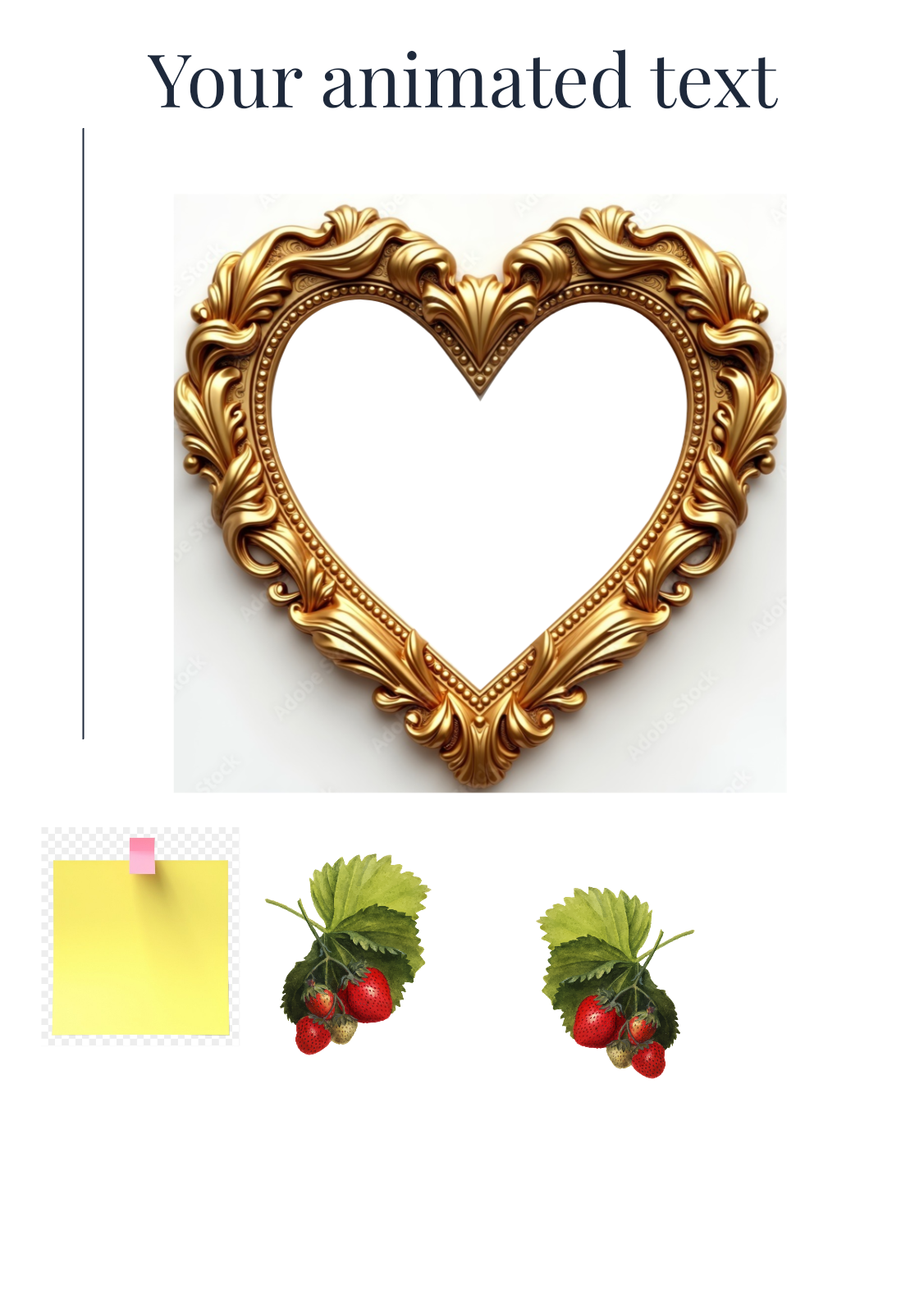
Test photo frames
€3.90
How it works
Place your order — Pick the design you love and check out.
Receive it by email — After checkout, you'll receive a PDF with your Canva template link. Click the link to open your design in Canva.
Log In or Create a Free Canva Account — You'll need to be logged in to Canva to access and edit your template. Don't have an account yet? No problem — you can create a free Canva account in just a few minutes. Canva Pro is not required.
Personalize your Design easily in Canva — You can edit the wording, names, event details, fonts, colors, and other editable elements to make the design your own.
Download & print — Save your finished design in the format you need and print at home or with your favorite print shop. Digital versions can be shared directly with your guests.
Common questions
Do I need any design skills?
None at all. Canva designs give you a link to open in Canva’s simple drag-and-drop editor for any final touches.
How is my invitation delivered?
After your order is confirmed you receive an email with a unique link for each design you purchased to open and edit in Canva
Can I make changes after I receive it?
Yes. Canva designs open in Canva, where you can adjust text, colors and details yourself, as many times as you need.
More detail on the How it works page.
Please Note
This is a digital product. No physical item will be shipped.
Colors may vary slightly depending on your screen, printer, and paper.
Due to the nature of digital products, all sales are final and non-refundable.
For personal use only. The template may not be resold, shared, or redistributed.
If you need help editing or downloading your template, I'm always happy to help.
Mix & match & save — get 20% off your entire cart when you choose 2 or more items. No code needed.